
DocSend vs DocuSign: Tracking vs Signing (2026)
DocSend tracks how documents are read; DocuSign collects legally binding signatures. A fair, side-by-side look at both, plus where Plox fits for secure.

On this page
- DocSend vs DocuSign: the core difference
- When you need DocSend (tracking)
- When you need DocuSign (signing)
- DocSend vs DocuSign pricing: how the two charge
- A quick total-cost example
- Where Plox is cheaper
- DocSend vs DocuSign vs Plox compared
- Honest pros and cons
- Where Plox fits: sharing and gating around the signature
- The decision framework: which tool for which step
- A worked example: a founder raising a Series A
- How to pick
- Frequently asked questions
- Is DocSend the same as DocuSign?
- Can DocSend collect signatures?
- Can DocuSign track who reads a document?
- How do DocSend and DocuSign pricing compare?
- Does Plox do e-signatures?
- What is the difference between an NDA gate and an e-signature?
- Should I use DocSend or DocuSign?
- Is there a free option for tracking documents?
The first time I tried to "close" a raise, I made the rookie mistake of routing a pitch deck through an e-signature tool because someone told me it was "the document app." Wrong app, wrong stage, and I wasted an afternoon figuring out why I couldn't see who'd actually read the thing. So let me save you that afternoon.
Short answer: DocSend vs DocuSign is not a head-to-head fight. They solve different jobs. DocSend is a document tracking tool that shares files as secure links and shows page-by-page read analytics. DocuSign is an e-signature platform that collects legally binding signatures with an audit trail. Use DocSend to send a deck and see who read it. Use DocuSign to get a contract signed. Plox covers the secure sharing and tracking side, with one-click NDA gating around the signature.
DocSend vs DocuSign: the core difference
People search for "docsend vs docusign" as if the two tools compete head-to-head, but they sit at different points in a deal.
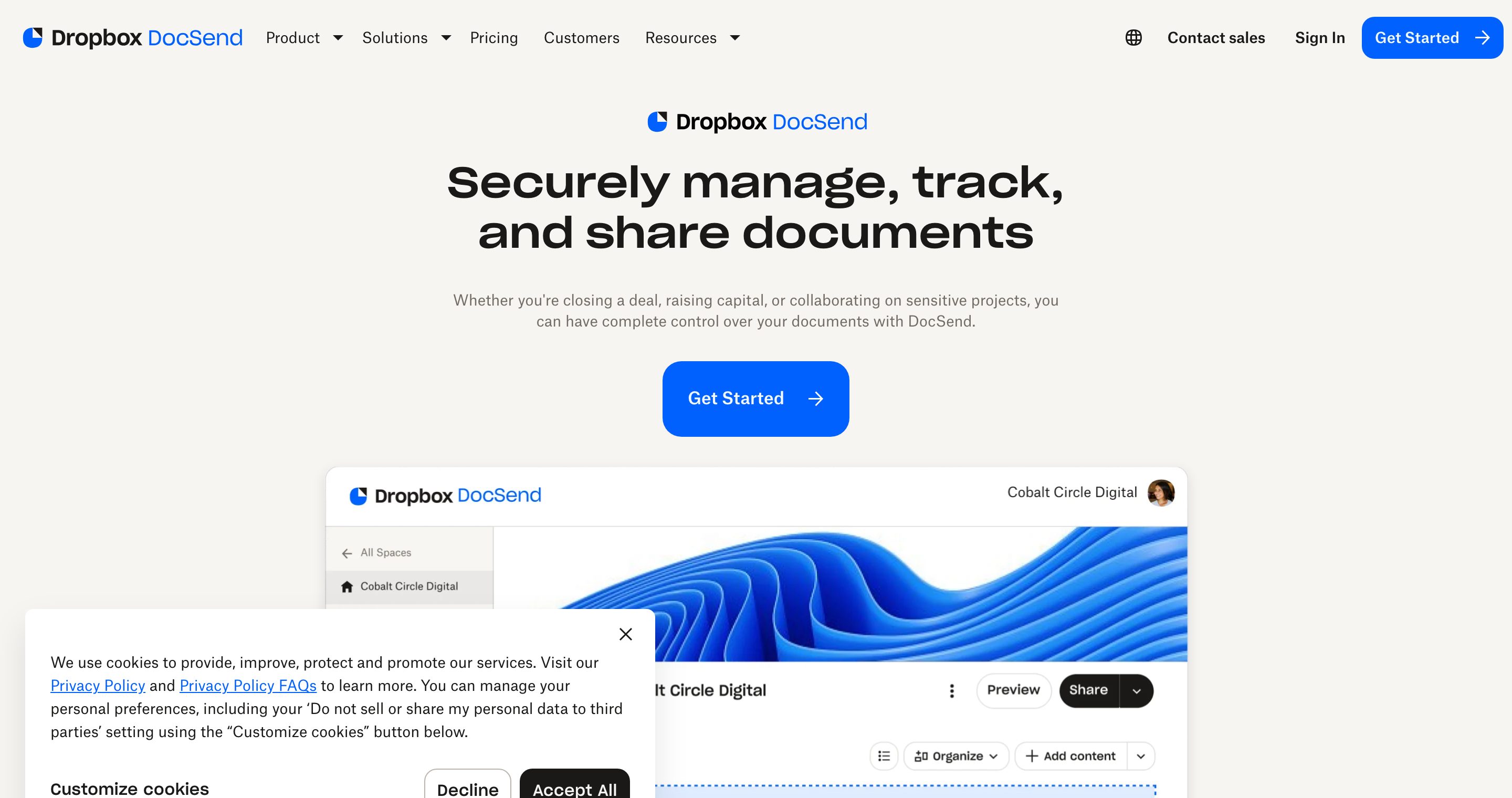
- DocSend is a document tracking tool. You upload a file, share a secure link, and watch how people engage with it. The value is the analytics: who opened the link, which pages they read, and how long they spent.
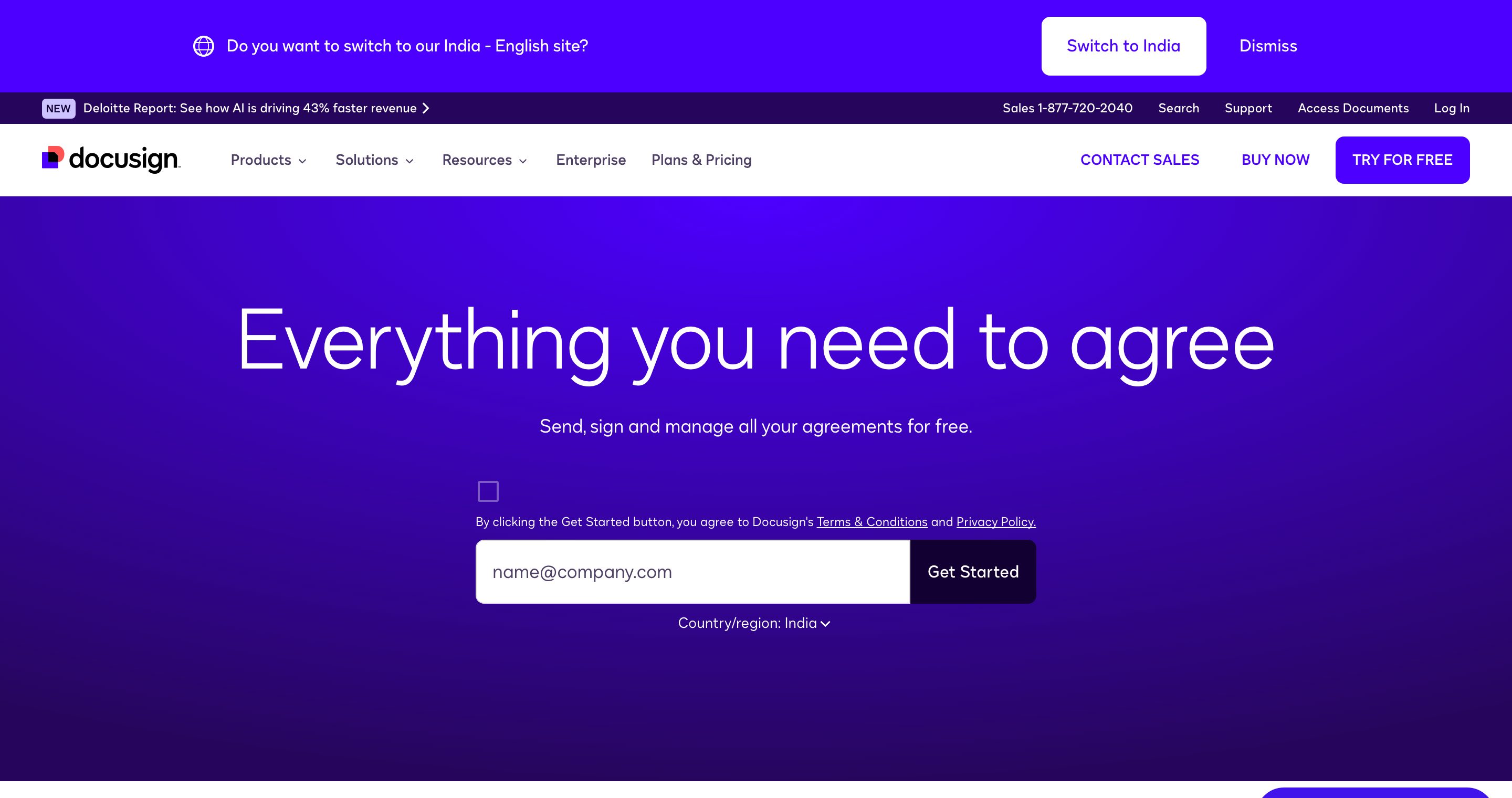
- DocuSign is an electronic signature tool. The value is the legally binding signature workflow: routing a document to signers, capturing their consent, and producing an audit trail that holds up as a contract.
So the honest answer is that this is not really a versus question. One tool tracks how documents are read. The other turns documents into signed agreements. Plenty of teams use both, at different stages.
A quick way to remember it. DocSend answers "did they read it, and what caught their attention?" DocuSign answers "did they agree to it, in a way that holds up legally?" Those are separate questions, and forcing one tool to answer the other's question is where teams waste money and time.
When you need DocSend (tracking)
Reach for a tracking tool like DocSend when the job is to share a document and understand engagement, not to collect a signature.
Typical use cases:
- Sending a pitch deck to investors and seeing which slides got attention.
- Sharing a sales proposal or one-pager and knowing when a prospect reopened it.
- Distributing a report or memo and tracking who actually read it.
- Running light diligence where you need a view log, not a contract.
The defining features here are page-by-page analytics, real-time open notifications, and link controls like expiry and email verification. None of that requires a signature. You just want to know what happened after you hit send.
DocSend earns genuine credit here. Its analytics are clean and reliable, and it pioneered the "share a deck, watch the slide-by-slide engagement" workflow that founders now expect from any sharing tool. If link analytics is the only thing you care about, DocSend does that job well.
When you need DocuSign (signing)
Reach for DocuSign when the document has to be legally signed, not just read.
Typical use cases:
- Closing a customer contract or order form.
- Signing employment offers, vendor agreements, or SOWs.
- Executing a binding NDA where both parties countersign.
- Anything where you need a court-admissible record of consent.
DocuSign's strength is the signature workflow itself: signer routing, fields, reminders, and a tamper-evident audit certificate. Electronic signatures collected this way are recognized as legally valid in the United States under the ESIGN Act, which is the legal backbone DocuSign and similar platforms rely on. If your deal genuinely needs binding e-signature, DocuSign is the right tool, and a tracking product is no substitute.
Give DocuSign its due where it earns it. Nobody beats it on signature credibility and audit trails. When the question is "will this signed document hold up if challenged?", a dedicated signature platform is the safe answer, not a sharing tool with a checkbox. This is the honest "where the competitor wins" beat: if the job is a signature, Plox is not the tool and I would not pretend otherwise.
DocSend vs DocuSign pricing: how the two charge
Pricing is the other place these tools split, because they bill for different things. I am describing the published pricing models here rather than quoting figures I cannot confirm to the dollar, because both vendors move their numbers and gate features by tier. Always check the live pricing page before you sign anything.
- DocSend prices per user, per month, billed monthly or annually, in tiers. The entry plan is built around a small number of seats with core link tracking, and the features founders actually want for a raise, things like dynamic watermarking, more granular controls, and data room "Spaces," sit on the higher tiers. The practical catch is the per-seat math: add a couple of colleagues to the data room and the monthly bill climbs faster than the headline number suggests. Expect roughly at the entry tier, for the advanced tier, and quote-based pricing for full data rooms.
- DocuSign also prices per user, per month, in tiers, with annual billing as the cheaper option. The thing to watch with signature platforms is the envelope limit: lower plans cap how many documents you can send for signature per user per year, and blowing past that cap, or needing advanced fields, bulk send, or SSO, pushes you up a tier or into a custom quote. Plan on roughly $10/user/mo for a single-user personal plan and around $25/user/mo for the standard business tier, with enterprise on a quote.
- Plox publishes flat pricing: a genuinely free plan (no card), then Pro, Team, and a dedicated Data Rooms tier. The free plan includes page-by-page analytics and real-time notifications, which on the other two tools usually sit behind a paid seat.
For a deeper teardown of how these tiers and the hidden seat costs actually add up, see our DocSend pricing breakdown. If DocSend's per-seat model is what is pushing you to look elsewhere, the best DocSend alternatives roundup compares the cheaper options side by side.
A quick total-cost example
Say a founder running a raise wants tracked sharing for a three-person deal team, plus the ability to send a handful of contracts for signature at close. Two seats of a tracking tool at the advanced tier plus a couple of signature seats can quietly land in the low hundreds of dollars a month before anyone has closed anything, and that is before the data room add-on. The point is not the exact figure, it is that "two tools, per seat, for a few months" is a real line item. If most of your spend is the tracking side, starting that side on a free or flat-priced plan and reserving the paid signature seats for the closing step is usually the cheaper shape.
Where Plox is cheaper
Plox tends to win on cost in one specific situation: when the tracking and gating work is the bulk of your activity and signatures are occasional. Because page-by-page analytics, real-time notifications, and trackable links are on the free plan, you can do the day-to-day deck and report sharing at zero, and the paid tiers are flat rather than per-seat-times-everything. You still pay DocuSign for the actual signatures, but you stop paying per-seat tracking fees for teammates who only ever need to view or send a link. Where Plox is not cheaper or even relevant: if your whole need is signatures, there is nothing to save by adding a sharing tool.
DocSend vs DocuSign vs Plox compared
Here is how the three line up across the dimensions that actually decide the tool. DocSend and DocuSign anchor the two jobs. Plox sits on the sharing-and-tracking side, with NDA gating that DocSend does not offer.
| Decision dimension | DocSend | DocuSign | Plox |
|---|---|---|---|
| Core job | Share and track docs | Collect e-signatures | Share, track, and gate docs |
| Pricing model | Per user / mo, tiered | Per user / mo, envelope limits | Free plan + flat Pro/Team/Data Rooms |
| Page-by-page analytics | Yes | Signing status only | Yes |
| Real-time open notifications | Yes | Limited to signing events | Yes, every plan |
| Legally binding e-signature | No | Yes | No |
| NDA acceptance gating | No | Via full signature | Yes, one-click |
| Dynamic watermarking | Add-on tiers | Not the focus | Yes, per-viewer on every page |
| Virtual data rooms | Spaces (paid) | Not the focus | Yes, with Ploxie AI |
| Free plan | Limited / trial-like | Limited / trial-like | Genuinely free, no card |
| Custom branding + domain | Paid | Signature branding | Yes (Pro) |
| Best for | Pitch decks and sales tracking | Contracts that must be signed | Secure trackable sharing + NDA gating |
For deeper one-on-one breakdowns, see our Plox vs DocuSign comparison and our Plox vs DocSend comparison. For the wider field of tracking tools, the full list of DocSend alternatives covers where each one fits.
Honest pros and cons
DocSend
- Pros: clean, reliable page-by-page analytics; the original "watch the deck get read" workflow; familiar to most investors.
- Cons: per-seat pricing climbs with the team; watermarking and data room features sit on higher tiers; no NDA acceptance gate short of a full signature; no binding e-signature.
DocuSign
- Pros: the gold standard for legally binding signatures, audit certificates, and signer routing; widely accepted; ESIGN-compliant.
- Cons: weak reading analytics, so it is a poor fit for "did they read my deck?"; envelope limits and add-on fields can push you up a tier; overkill if you only need tracked sharing.
Plox
- Pros: page-by-page analytics and real-time notifications on a genuinely free plan; one-click NDA gating; per-viewer dynamic watermarking; flat pricing; virtual data rooms.
- Cons: no legally binding e-signature, full stop; if a court-ready signature is the job, you still need DocuSign alongside it.
Where Plox fits: sharing and gating around the signature
Plox lives firmly on the tracking side of this comparison, alongside DocSend rather than DocuSign. It is a secure document sharing and virtual data room platform built for founders and dealmakers.
What Plox does well:
- Secure trackable links. Share a document with a link that needs no viewer account and no download. The link never changes, and you can update the underlying file anytime.
- Page-by-page analytics on every plan. See which pages were read and for how long, plus completion percentage, including on the free plan.
- Real-time notifications. Get notified the moment someone opens your document, on every plan including Free.
- Document control. Passcodes, email verification, allow or deny download, link expiry, and one-click revoke access.
- Dynamic watermarking. Apply a per-viewer watermark to every page, so a leaked screenshot traces back to who shared it.
- One-click NDA gating. On the Data Rooms plan you can require a viewer to accept an NDA or access agreement before the document opens. This is a lightweight acceptance gate, not a countersigned contract.
The honest boundary, stated plainly. Plox does not do legally binding e-signature workflows. If you need a court-ready signed contract, that is DocuSign's job, and Plox will not replace it. What Plox handles is the step before and around the signature: controlling who can see a confidential document and tracking how they engage with it.
A common pattern looks like this:
- Share the confidential document through Plox with a secure link.
- Gate it with a one-click NDA so viewers accept terms before they read.
- Watch page-by-page analytics and get real-time open notifications as they review.
- When it is time to formalise the deal, send the final contract through DocuSign for binding signature.
In that flow, Plox and DocuSign are partners, not rivals. Plox protects and tracks the sharing. DocuSign closes with the signature.
The decision framework: which tool for which step
Use this as a copy-pasteable checklist. Run your document through it in order, and the right tool falls out at each step.
STEP 1: What is the job for THIS document?
  [ ] Just needs to be read and tracked  -> go to Step 2
  [ ] Needs a legally binding signature   -> use DocuSign. Stop.
  [ ] Both (read now, sign later)         -> use a tracking tool now,
                                              DocuSign at close

STEP 2: Is the content confidential?
  [ ] No  -> DocSend or Plox both fit. Pick on price + free plan.
  [ ] Yes -> go to Step 3

STEP 3: Do you need a viewer to accept terms before they open it?
  [ ] No  -> DocSend or Plox (link controls, expiry, email verify)
  [ ] Yes -> Plox one-click NDA gate, then track engagement

STEP 4: Do you need a data room (folders, many files, many viewers)?
  [ ] No  -> a single trackable link is enough
  [ ] Yes -> Plox virtual data room with per-viewer watermarking
A worked example: a founder raising a Series A
Walk a real scenario through the framework so the abstract rules become concrete.
A founder is raising a Series A and has three documents in play: a pitch deck, a confidential data room of financials and contracts, and a final term sheet.
- The pitch deck. The job is "get it read and see what lands." Step 1 routes to a tracking tool. The deck is shareable, not top-secret, so Step 2 says DocSend or Plox both work. The founder shares it as a trackable link and watches which slides each fund lingers on, then tailors the follow-up call to the slides that got skipped.
- The data room. The job is still tracking, but the content is confidential (Step 2: yes), the founder wants investors to accept an NDA first (Step 3: yes), and there are dozens of files across folders (Step 4: yes). This is squarely Plox: a virtual data room with a one-click NDA gate and per-viewer watermarking, so a leaked financial traces back to the exact investor who shared it.
- The term sheet. The job is a legally binding signature. Step 1 routes straight to DocuSign. No tracking tool produces a signature that holds up, so the founder sends the final term sheet through DocuSign and gets a clean audit certificate.
One raise, three documents, three correct tools. The mistake would be trying to force the deck through DocuSign (weak analytics, friction for casual readers) or trying to "sign" the term sheet inside a tracking tool (no binding signature). Match the tool to the step.
How to pick
A quick decision guide if you want the short version:
- You want to know who read your document. Use a tracking tool. DocSend or Plox both fit, and Plox adds NDA gating and a genuinely free plan.
- You need a contract legally signed. Use DocuSign. Tracking tools cannot replace binding e-signature.
- You need to gate confidential documents and track engagement, without a full contract. Use Plox, with one-click NDA acceptance and page-by-page analytics.
- You need both. Share and gate with Plox, then sign with DocuSign.
The mistake to avoid is forcing one tool to do the other's job. A signature platform gives you weak reading analytics. A tracking platform does not produce a binding signature. Match the tool to the task.
If your day-to-day is sending confidential decks, reports, and data rooms and you want to know exactly who read what (with the option to gate it behind an NDA first), Plox is built for that step, and the free plan lets you try the analytics with no credit card. When a document genuinely needs to be signed, hand it to DocuSign. The two are partners in the same deal, not rivals.
For related reads, compare DocSend vs PandaDoc if proposals and quotes are your use case, and see how to sign an NDA online if the NDA step is what you are really trying to solve.
Frequently asked questions
Is DocSend the same as DocuSign?
No. DocSend is a document tracking tool that shares files via secure links and shows page-by-page view analytics. DocuSign is an electronic signature platform that collects legally binding signatures. The names sound alike, but they do different jobs at different stages of a deal.
Can DocSend collect signatures?
No. DocSend tracks how shared documents are read, with page analytics and open notifications. It is not a legally binding e-signature tool. If you need a signed, court-admissible contract, DocuSign or a comparable signature platform is the right choice.
Can DocuSign track who reads a document?
DocuSign tells you the signing status of a document, such as whether a signer viewed and signed it. It does not provide the page-by-page reading analytics that tracking tools like DocSend and Plox offer for understanding engagement across a deck or report.
How do DocSend and DocuSign pricing compare?
Both bill per user per month in tiers, with annual billing as the cheaper option, but they meter different things. DocSend gates features like watermarking and data rooms by tier, so per-seat costs climb as your deal team grows. DocuSign caps the number of documents you can send for signature on lower plans, so heavy senders get pushed up a tier. Check each live pricing page before committing, since both vendors adjust their numbers.
Does Plox do e-signatures?
No. Plox does not offer legally binding e-signature workflows. Plox focuses on secure sharing and tracking, with secure trackable links, page-by-page analytics, real-time notifications, dynamic watermarking, and one-click NDA gating on the Data Rooms plan. For binding signatures, use DocuSign.
What is the difference between an NDA gate and an e-signature?
An NDA gate, like Plox's one-click NDA, asks a viewer to accept terms before a document opens, which is a lightweight acceptance step. An e-signature in DocuSign produces a legally binding, audited signature on a contract. Use a gate to control access and a signature to form an agreement.
Should I use DocSend or DocuSign?
It depends on the job. Use DocSend, or Plox, when you want to share a document and track who read it. Use DocuSign when you need a document legally signed. Plenty of teams use a tracking tool to share and a signature tool to close, since the two cover different steps.
Is there a free option for tracking documents?
Yes. Plox offers a genuinely free plan with secure trackable links, page-by-page analytics, and real-time notifications, with no credit card and no time limit. DocSend and DocuSign both offer limited free experiences that are closer to trials, with key features reserved for paid tiers.

Written by Aryan Pereira · Co-founder, Plox
Aryan co-founded Plox. He works on the product side, mostly on how viewers experience a shared link and what the sender gets to see back.
Connect on LinkedIn