
DocSend vs PandaDoc: Sharing vs Proposals (2026)
DocSend is for sharing and tracking documents, PandaDoc is for building and e-signing proposals. Compare both fairly with a decision framework and a worked.

On this page
- DocSend vs PandaDoc at a glance
- What DocSend does well
- What PandaDoc does well
- The core difference: sharing and tracking vs proposal automation
- A 60-second decision framework
- What each one actually costs in 2026
- DocSend vs PandaDoc vs Plox comparison
- Where Plox fits
- A worked example: a founder raising a Series A
- When each tool wins
- Bottom line
- Frequently asked questions
- Is DocSend or PandaDoc better?
- Does DocSend have e-signature?
- Does PandaDoc track who views a document?
- Which is cheaper, DocSend or PandaDoc?
- Can I use DocSend and PandaDoc together?
- Can Plox replace DocSend?
- Is there a free plan for sharing and tracking documents?
I have shared decks on DocSend during a raise and built quotes in PandaDoc for a side consulting gig, and I kept hitting the same realization: these two get compared constantly, but they barely do the same job. DocSend shares and tracks read-only documents like pitch decks, with page-by-page viewer analytics. PandaDoc builds proposals and collects legally binding e-signatures. Pick DocSend to share and track, PandaDoc to create and close. Plenty of teams, mine included, end up running both.
Short answer: DocSend is for sending a fixed document and watching who reads it. PandaDoc is for assembling a custom proposal and getting it signed. If your real need is secure sharing, tracking, and a data room, that is a third lane, and it is where Plox lives.
DocSend vs PandaDoc at a glance
People compare DocSend and PandaDoc because both touch business documents. They sit on opposite ends of the workflow, though, and that is the fastest way to decide between them.
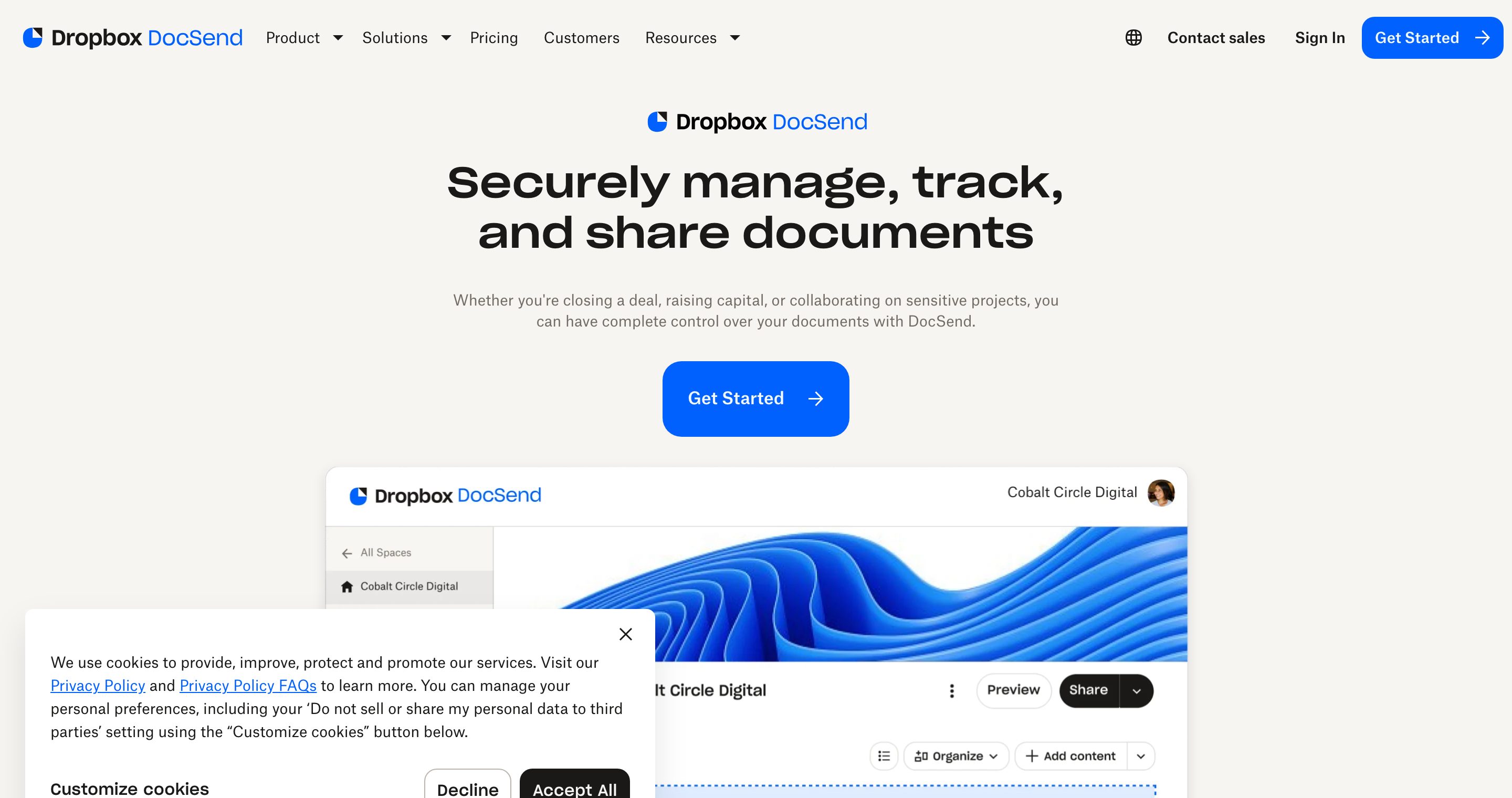
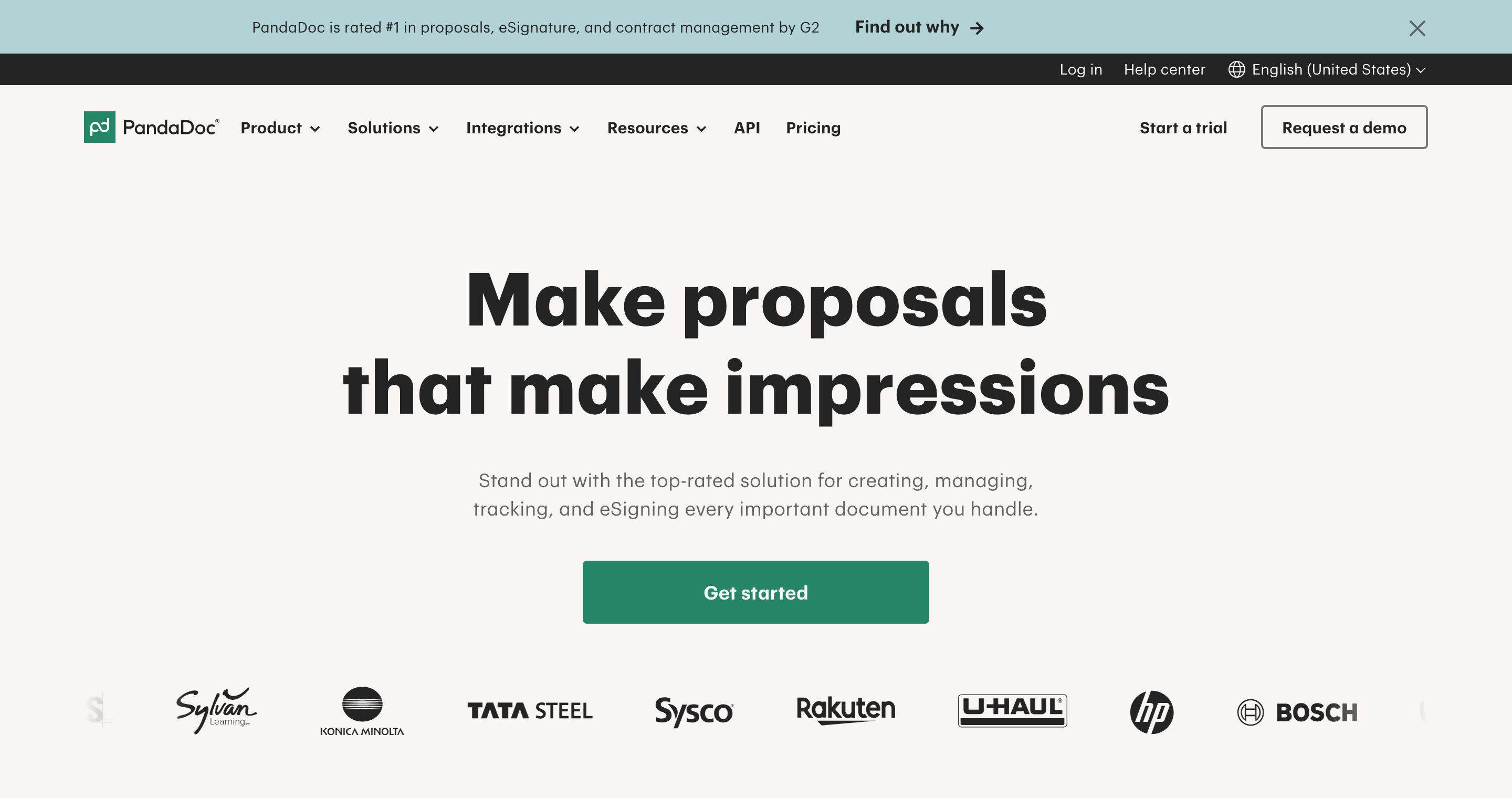
DocSend lives at the sharing and tracking stage. You upload a file, send a secure link, and watch how viewers engage page by page. PandaDoc lives at the creation and closing stage. You assemble a proposal from templates, add pricing tables, and collect signatures inside the same document.
Sending a deck to investors? DocSend fits. Sending a quote that needs a signature? PandaDoc fits. The two tools are less rivals than neighbors.
What DocSend does well
DocSend, owned by Dropbox, is built for sharing documents and seeing what happens after you hit send. That focus is genuinely strong, and it is fair to name it. DocSend's page-by-page analytics are the category benchmark most alternatives get measured against.
Its strengths:
- Secure links instead of email attachments, so you keep control of the file after sending.
- Page-by-page analytics that show how long each viewer spent on every slide, and where they dropped off.
- Spaces for grouping multiple files, available on higher tiers, which can act like a lightweight data room.
- Pitch-deck fit, which is why it is popular with founders raising capital and sales teams sending decks.
DocSend does not build proposals and does not offer e-signature. It is a tracking tool, not a closing tool. For a deeper look, see our DocSend comparison and the DocSend competitors roundup.
What PandaDoc does well
PandaDoc is document automation software. It creates, sends, and signs business documents from one place, and it is good at the part DocSend ignores: turning a blank page into a signed deal.
Its strengths:
- Proposal builder with templates, content blocks, and a drag-and-drop editor.
- Pricing tables and quotes that update totals automatically as you adjust line items.
- Legally binding e-signature built into every document, so the deal closes in the same place it was written.
- Workflow approvals so deals move through internal review before they go out.
- CRM integrations so proposals pull data from your sales stack.
PandaDoc suits sales teams that send proposals, contracts, and quotes at volume. Its analytics exist, but they are basic next to a dedicated tracking tool. PandaDoc closes deals; it does not pretend to be a pure sharing tool. For more detail, see our PandaDoc comparison.
The core difference: sharing and tracking vs proposal automation
The honest summary is that these tools rarely overlap.
DocSend answers one question: who looked at my document, and how closely. PandaDoc answers a different one: how do I build this document and get it signed.
Send the same fixed file to many people and want to know how they engaged, and you want sharing and tracking. Assemble a custom document per deal and need a signature at the end, and you want proposal automation. Many teams use both: PandaDoc to produce and sign contracts, and a tracking tool to share decks and other read-only material.
The e-signature distinction matters legally, not just operationally. A tracked link proves someone viewed a document. An e-signature creates a binding agreement. The U.S. ESIGN Act gives qualifying electronic signatures the same legal weight as ink. That is the line PandaDoc crosses and DocSend does not.
A 60-second decision framework
You do not need a spreadsheet to choose. Run your situation through these four questions in order, and stop at the first clear answer.
- Does the document need a signature to be complete? If yes, PandaDoc. A pitch deck does not need a signature. A sales contract does.
- Is the file the same for everyone, or rebuilt per recipient? Same file for many people points to sharing and tracking. A custom quote per prospect points to proposal automation.
- What is your real bottleneck right now? "I do not know if investors are reading my deck" is a tracking problem. "It takes me an hour to assemble each proposal" is a creation problem.
- Do you need to gate or revoke access after sending? Passcodes, NDA gating, watermarking, and link expiry are sharing-tool features, not proposal-tool features. If sensitive material is involved, weigh this heavily.
Answer "signature" to question one and your search ends at PandaDoc. Answer "track readers" or "gate access" and your search is among sharing tools, which is where the DocSend-versus-Plox question actually lives.
What each one actually costs in 2026
Pricing is where the "which is cheaper" question gets messy, because the two tools bill on different logic and the headline number is rarely the number you pay.
Here is the model, without inventing figures. Both vendors move their prices around, so confirm on their pricing pages before you commit.
- DocSend is per seat, billed monthly or annually, with the cheaper rate on annual. The starter tier is built for one person, and the features founders actually want for a raise, dynamic watermarking, data-room-style Spaces, and stronger access controls, sit on the higher tiers. So the real question is not the entry price, it is which tier you land on once you need watermarking and a data room. around $15/user/mo entry, around $45-65/user/mo for the tier with watermarking and Spaces, annual
- PandaDoc is per seat too, and the gap between its tiers is large. The cheaper plan is an e-signature plan. The proposal builder, content library, and pricing tables, the reason most people choose PandaDoc, live on the business and enterprise tiers, which is where the per-seat cost climbs and some plans go quote-based.
The hidden cost on both is seats. These are per-user tools, so a three-person deal team is roughly three times the sticker price, and annual billing means you commit for the year. That is fine if everyone is in the tool daily. It stings if one person sends a deck twice a quarter and the rest of you just want to see the analytics.
This is the gap Plox is built to close. Plox starts on a genuine free plan with secure trackable links, page-by-page analytics, and real-time notifications, no seat minimum and no card. Paid tiers are flat and published, so a small team that mostly needs to share and track, not build and sign, usually lands cheaper than getting to DocSend's watermarking tier or PandaDoc's proposals tier. If you are pricing the sharing lane specifically, our DocSend pricing breakdown walks the tiers in detail.
To be clear about where this does not apply: if your job is building and e-signing proposals, you are paying for PandaDoc one way or another, and Plox is not a substitute. Cheaper does not help if the tool cannot do the job.
DocSend vs PandaDoc vs Plox comparison
| Dimension | DocSend | PandaDoc | Plox |
|---|---|---|---|
| Core job | Share and track docs | Build and e-sign proposals | Share, track, and gate docs |
| Page-by-page analytics | Yes | Basic | Yes |
| Real-time view notifications | Yes | Limited | Yes, on Free |
| Proposal builder | No | Yes | No |
| Legally binding e-signature | No | Yes | No |
| Data rooms | Spaces, higher tier | No | Built in |
| Dynamic watermarking | Higher tier | No | Yes, paid |
| NDA gating | Limited | Via signature flow | One-click NDA |
| Free plan | Limited | No true free | Yes, real free plan |
| Pricing model | Paid, per seat | Paid, per seat | Flat, self-serve, free to start |
| Best for | Pitch decks and sales decks | Sales proposals and quotes | Secure trackable sharing and data rooms |
Note on pricing: DocSend and PandaDoc both publish per-seat paid plans, and exact figures change often. Check each vendor's current pricing page before quoting a number. We do not publish unverified competitor prices.
Where Plox fits
Plox is a modern, secure document sharing and virtual data room platform built for founders and dealmakers. It sits in the same lane as DocSend, sharing and tracking, not the proposal-and-signature lane PandaDoc occupies.
The honest limitation, stated up front: Plox does not build proposals and does not offer legally binding e-signature. If those are your core needs, PandaDoc is the better fit, full stop. Plox will not pretend otherwise.
What Plox does focus on:
- Secure, trackable links on every plan, where the link never changes even when you swap the underlying file.
- Page-by-page analytics with real-time notifications the moment a document is opened, included even on the Free plan. See how this works on our analytics page.
- Data rooms built in, not reserved for a high tier, so you can run diligence without upgrading first.
- Document control: passcodes, email verification, one-click NDA, allow or deny download, link expiry, and access revocation.
- Dynamic watermarking applied per viewer on every page for sensitive material, on paid plans.
- Flat, self-serve pricing with a genuine free plan. No credit card, no time limit, no sales call.
Plox is the free-to-start option for secure sharing and tracking. If your job is to share a deck, run a data room, and know exactly who engaged, Plox covers it. If your job is to assemble and e-sign proposals, PandaDoc remains the right tool.
A worked example: a founder raising a Series A
Say you are a founder raising a Series A. Walk the workflow and see where each tool lands.
You build the pitch deck in your design tool, not in any of these three. That rules out PandaDoc's builder for this job, since you are sharing a finished deck, not assembling a proposal. You send the deck to twenty investors and want to know who opened it, who read past slide three, and who forwarded it. That is a tracking job: DocSend or Plox.
A week later, a fund moves to diligence and asks for your cap table, financials, and contracts. You need a folder of files behind one link, with watermarking on the financials and an NDA before anyone downloads. DocSend's Spaces handle the folder; watermarking and NDA gating live on higher tiers. Plox includes the data room, NDA, and watermarking without a tier jump.
Then the term sheet arrives and needs signatures. Neither DocSend nor Plox signs it. This is where PandaDoc, DocuSign, or your lawyer's tool closes the loop. The takeaway: across one raise you touch a sharing tool and a signing tool, and they do not compete. If the data-room stage is your real concern, our guide to the best data room for startups goes deeper on that lane.
When each tool wins
Choose DocSend when you send pitch decks, sales decks, or reports that do not change per recipient, you care most about viewer engagement, and you want secure links rather than attachments. DocSend still wins on brand recognition with investors and on the maturity of its analytics, and if you are already deep in the Dropbox ecosystem, it is the path of least resistance.
Choose PandaDoc when you build custom proposals and quotes for each prospect, you need legally binding e-signature inside the document, and you want internal approval workflows before sending. Nothing here, Plox included, replaces that. If closing signed deals is the job, PandaDoc is the answer and the per-seat cost is the price of doing it well.
Choose Plox when you want DocSend-style sharing and tracking plus a real data room, watermarking, and NDA gating, starting on a free plan with no sales call, and you would rather not climb a per-seat tier ladder to unlock the controls you actually need.
If you are weighing this for a fundraise specifically, our guide to the best pitch deck sharing tool goes deeper on the sharing side, and the DocSend vs DocuSign comparison covers the signature angle if e-signature is your real question.
Bottom line
DocSend and PandaDoc are not really rivals. DocSend shares and tracks documents, PandaDoc builds and signs them, so pick by the job in front of you. If your need is secure sharing, tracking, and data rooms rather than proposal building or e-signature, start free on Plox and see exactly who engages with your documents, no credit card and no sales call required.
Frequently asked questions
Is DocSend or PandaDoc better?
Neither is better in general, because they do different jobs. DocSend is better for sharing and tracking documents like pitch decks. PandaDoc is better for building proposals and collecting e-signatures. Choose based on whether your need is tracking readers or closing deals.
Does DocSend have e-signature?
No. DocSend focuses on secure sharing and page-by-page tracking. It does not include legally binding e-signature, which is a core feature of PandaDoc. If you need signatures, PandaDoc or another e-signature tool is the right choice.
Does PandaDoc track who views a document?
PandaDoc offers basic document analytics, but tracking is not its main strength. It is built around creating and signing documents. For detailed page-by-page viewer analytics, a dedicated tracking tool like DocSend or Plox is a closer fit.
Which is cheaper, DocSend or PandaDoc?
It depends on what you need, not the headline price. Both are per seat and bill cheaper annually. DocSend's entry tier is built for one person, and the watermarking and data-room features founders want sit on higher tiers. PandaDoc's cheap plan is e-signature only, with the proposal builder on its pricier business tier. Confirm current figures on each vendor's pricing page. If your need is mainly secure sharing and tracking, a flat free-to-start tool like Plox often comes in lower than reaching either vendor's feature tier.
Can I use DocSend and PandaDoc together?
Yes, and many teams do. A common setup is PandaDoc to produce and e-sign contracts and quotes, paired with a sharing tool like DocSend or Plox to send decks and read-only material and track engagement. They cover different stages, so they complement rather than replace each other.
Can Plox replace DocSend?
For secure sharing, page-by-page analytics, and data rooms, Plox covers the same job as DocSend and adds a genuine free plan with real-time notifications, built-in data rooms, watermarking, and one-click NDA. Plox does not replace PandaDoc, since it does not build proposals or offer e-signature.
Is there a free plan for sharing and tracking documents?
Plox offers a free plan that includes secure trackable links, page-by-page analytics, and real-time notifications, with no credit card and no time limit. DocSend has a limited free option, and PandaDoc does not offer a true free plan, since its model centers on paid proposal and e-signature workflows.

Written by Aryan Pereira · Co-founder, Plox
Aryan co-founded Plox. He works on the product side, mostly on how viewers experience a shared link and what the sender gets to see back.
Connect on LinkedIn